
Generate professional Excel and PDF documents straight from Business Central.

Generate professional Excel and PDF documents straight from Business Central.

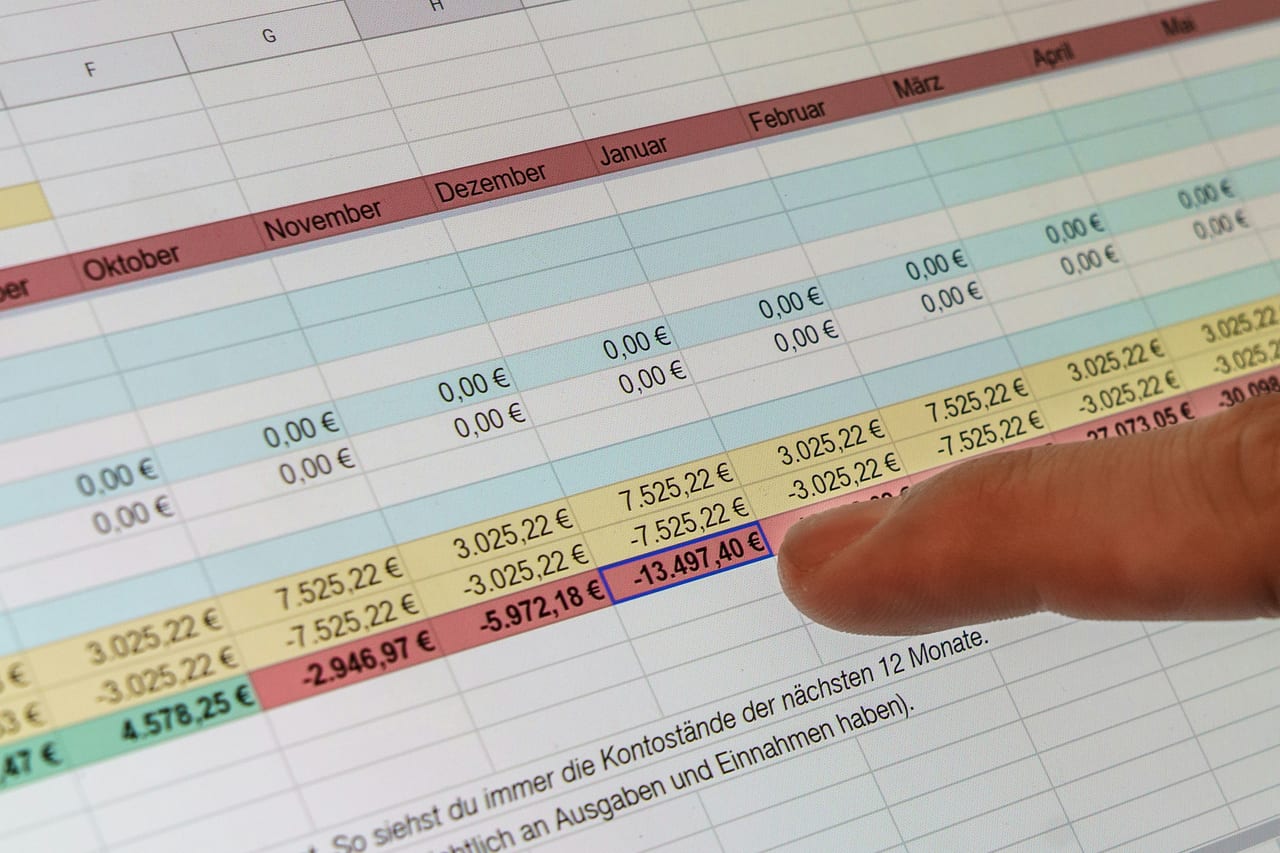
duveka Output for Excel turns Microsoft Dynamics 365 Business Central into a serious document generator. Build templates in Excel, fill them automatically with ERP data and deliver the result as Excel or PDF.

Excel as the design tool, BC as the data source.

Many of the documents your finance, sales and logistics teams produce already exist as Excel templates somewhere on a shared drive. duveka Output for Excel makes those templates a first-class part of Business Central. You import the template, define which BC data goes into which cell, and from then on the system fills the file automatically. Account overviews, P and L reports, balance sheets, waybills, shipping templates and labels become one-click outputs.

Reports that look the way your business looks.

Standard Business Central reports are functional but rarely match the visual standard your customers and management expect. duveka Output for Excel uses the formatting power of Microsoft Excel directly. Branding, conditional formatting, charts and pivot-ready data sit in the template and survive every refresh, no developer involved.

From a single record or independent of records.

duveka Output for Excel works in two modes. It can be tied to a specific record like a customer or shipment to produce one document per record, or it can run independent of any specific record to generate company-wide reports. Both modes share the same template engine, the same setup screens and the same predictable behaviour.

What duveka Output for Excel produces.

duveka Output for Excel is a flexible document generator. The same engine drives operative documents and management reports.


Highlights

  • Customer and account overviews
  • Financial reports like P and L and balance sheet
  • Waybills and shipping templates
  • Labels and other operative documents
  • Output as Excel or PDF, ready for distribution

Why it replaces custom development.

Building each report as an AL or RDLC layout is slow, fragile and expensive. Excel is fast, well known and already in everyone's hands. duveka Output for Excel uses Excel as the layout engine, so business users design and your developers focus on more valuable work.

Available for the following Microsoft Dynamics versions:

  • Microsoft Dynamics NAV 2013 to 2018 (downgrade option)
  • Microsoft Dynamics 365 Business Central on-prem 14 to 27
  • Microsoft Dynamics 365 Business Central SaaS and Cloud

Who is this module designed for?

Building each report as an AL or RDLC layout is slow, fragile and expensive. Excel is fast, well known and already in everyone's hands. duveka Output for Excel uses Excel as the layout engine, so business users design and your developers focus on more valuable work.

Download product datasheet (PDF)

power on your business.

Kassim Umaru – Sales Teamlead

+49 151 64761448

power on your business.

Contact us for a no-obligation consultation.