
Bridge Business Central with your Windows desktop.

Bridge Business Central with your Windows desktop.

duveka BC Helper is the small but powerful desktop companion that connects Microsoft Dynamics 365 Business Central with your local PC, your Outlook, your printers and your folders.

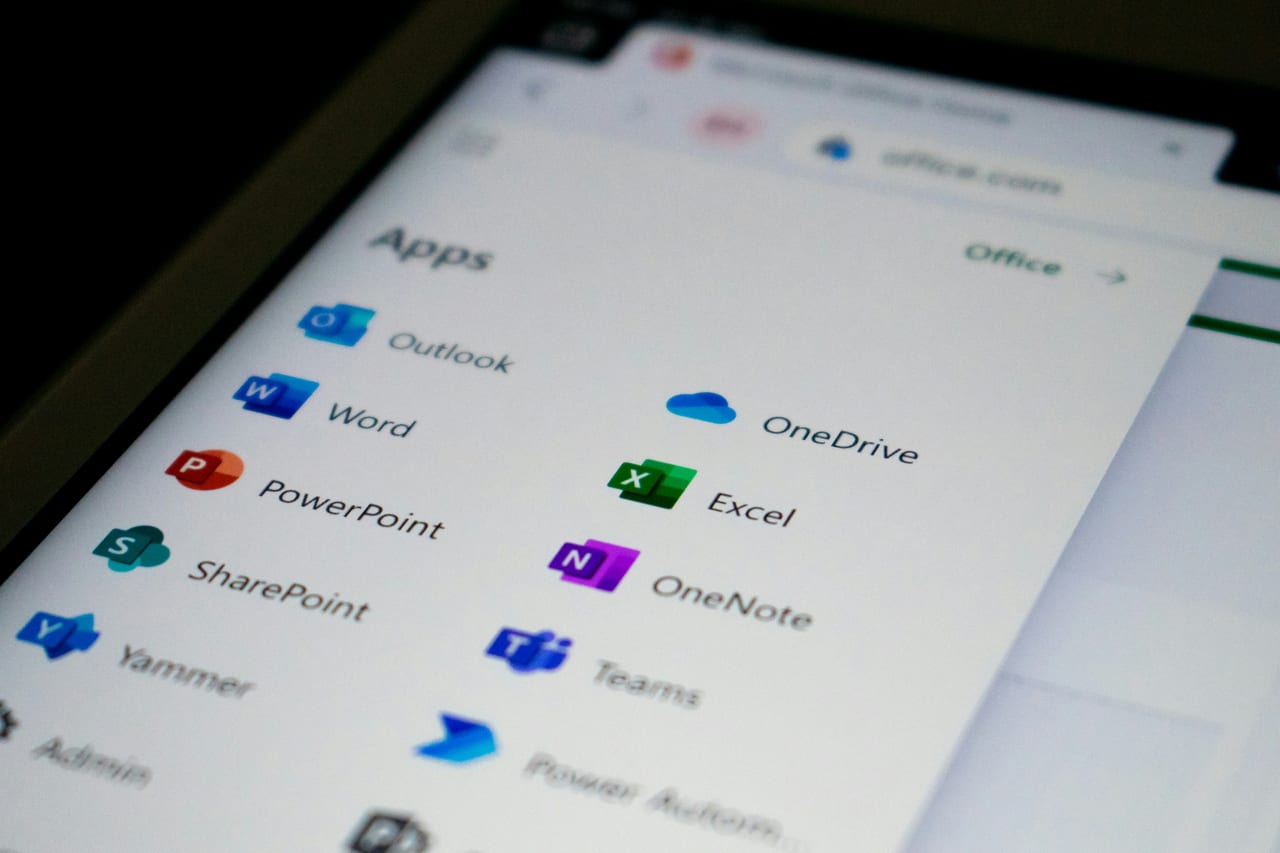
Send emails directly from Business Central using Outlook.

Outlook is still where most professionals manage their email, attachments and signatures. duveka BC Helper lets Business Central hand off email composition straight to Outlook on the user's desktop, with the right document already attached. No copy paste, no switching contexts, just one click and the mail is in the draft folder ready to send.

See the Helper in Business Central

The duveka BC Helper bridges cloud Business Central and the local workplace: send mail through Outlook, drop documents into local folders, read files back in — configured in one lean card, executed by a small system-tray app. Try the preview.

businesscentral.dynamics.com/duveka?company=CRONUS&page=74300&dc=0
Dynamics 365 Business CentralLI
VE
Environment:
duveka
BC Helper Setup
Saved

duveka BC Helper Setup

Download duveka BC HelperSend Test MailShow Current User
GeneralPlatform: Cloud
Current Version2.4.1
duveka BC Helper Enabled
PlatformCloud
File System PlatformServer directory set
Server Directory Path / Remote Server Address\\duveka-fs\BC\Export

Documents and files where they actually need to be.

Reports, invoices and exports often need to land in a specific folder, network share or scanner inbox. duveka BC Helper downloads documents from Business Central straight to local PC folders, organised the way you need them. Going the other way, scanned receipts, photos or contracts can be uploaded into Business Central records with a few clicks.

Lightweight, secure and quietly out of the way.

duveka BC Helper runs in the system tray. Minimal resource use, secure port based communication and no admin headaches. It is a small piece of software that quietly removes a lot of friction from the daily Business Central experience.

Where the helper earns its keep.

duveka BC Helper is for the people who use Business Central all day every day. The features are not flashy, they just save time on every task.


Highlights

  • Outlook integration for sending documents from BC
  • Local download of reports, invoices and exports
  • Upload of local files into BC records
  • System tray application with minimal footprint
  • Secure communication tailored to your BC setup

Who installs duveka BC Helper.

Office staff, sales teams, accountants and project managers who live inside Business Central. Companies that have moved to Business Central cloud or SaaS but still rely on local Outlook, network drives and document workflows. The helper closes the gap between cloud ERP and the desktop.

Available for the following Microsoft Dynamics versions:

  • Microsoft Dynamics NAV 2013 to 2018 (downgrade option)
  • Microsoft Dynamics 365 Business Central on-prem 14 to 27
  • Microsoft Dynamics 365 Business Central SaaS and Cloud

Who is this module designed for?

Office staff, sales teams, accountants and project managers who live inside Business Central. Companies that have moved to Business Central cloud or SaaS but still rely on local Outlook, network drives and document workflows. The helper closes the gap between cloud ERP and the desktop.

Download product datasheet (PDF)

power on your business.

Kassim Umaru – Sales Teamlead

+49 151 64761448

power on your business.

Contact us for a no-obligation consultation.